 Book a Repair
Home Machines Sage Creatista Pro / Creatista Pro Common Issues
Sage Creatista Pro guide
Common problems with the
Sage Creatista Pro
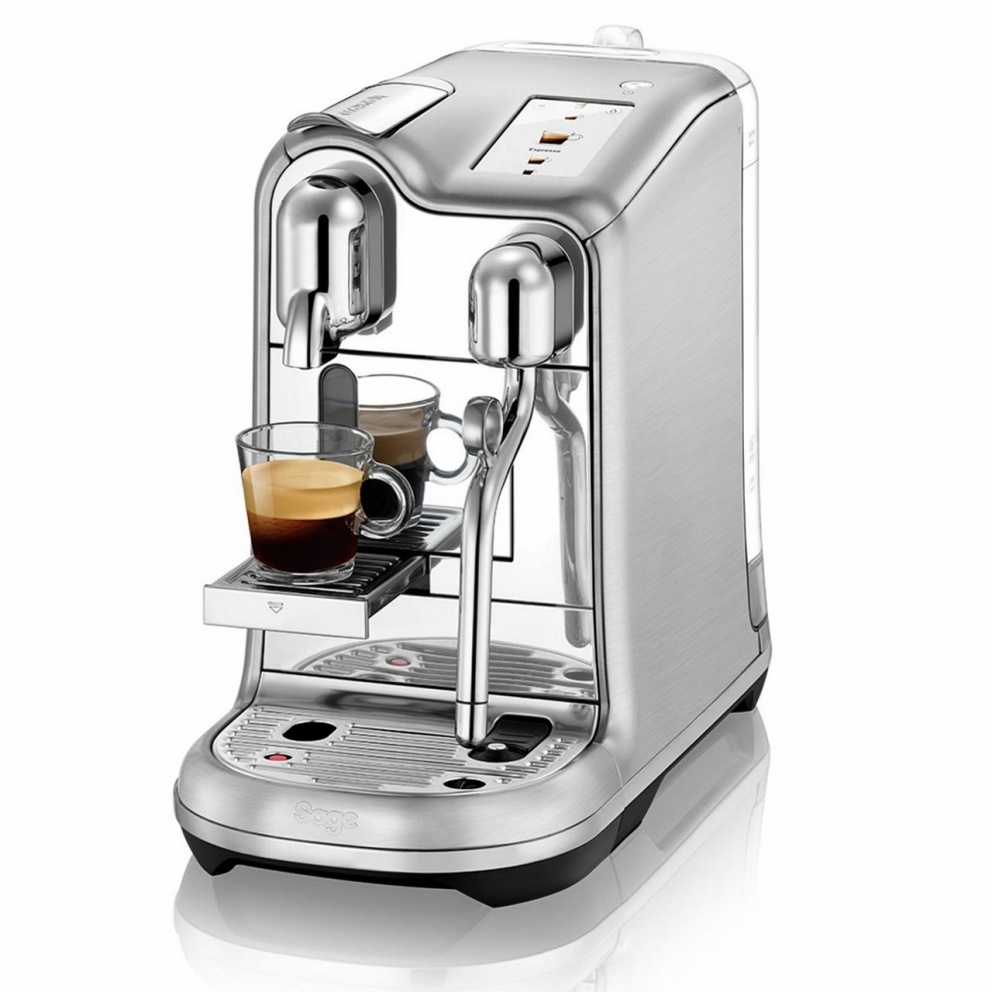
These are some of the Sage Creatista Pro faults we see regularly. Start with the symptom closest to yours.
COMMON SYMPTOMS
What is your Creatista Pro doing?
Touchscreen behaving erratically or not responding
WHAT YOU MAY NOTICE
The touchscreen may become slow, intermittently unresponsive or stop responding altogether.
You may find that some presses are ignored or the interface only works intermittently.
SAFE NEXT STEP
Make sure the touchscreen is clean and completely dry.
If the behaviour is repeatable after cleaning the screen, there is not really a useful at-home repair to carry out.
Do not spray cleaner directly onto the display or attempt to remove the touchscreen yourself.
HOW WE CAN HELP
If the fault is repeatable, the problem may be within the touchscreen interface, wiring or the electronics reading the user input.
We can test the interface and determine whether the fault sits within the screen itself or elsewhere in the control system.
Auto steaming heats the milk but does not froth properly
WHAT YOU MAY NOTICE
The milk may become warm or hot but remain almost flat, with very little microfoam.
You may hear steam operating normally but see very little aeration during the first part of the automatic steaming cycle.
SAFE NEXT STEP
Use cold milk and the supplied jug.
Make sure the jug is sitting correctly on the milk-temperature sensor and check that the selected froth level has not accidentally been reduced.
Clean the steam wand and steam tip thoroughly before testing again.
If the same milk and settings previously worked correctly but the machine still heats without aerating, avoid repeatedly extending the steam cycle.
HOW WE CAN HELP
The Creatista Pro automatically controls both steam and milk temperature.
If the steam system is heating the milk but not introducing air correctly, the fault may be within the steam path, steam-control system or the sensors involved in the automatic cycle.
We can test the steam output and automatic control behaviour to identify which part is causing the poor milk texture.
Keeps saying the steam wand is blocked
WHAT YOU MAY NOTICE
The display repeatedly asks you to clean or unblock the steam wand.
You may clear the tip, make one or two drinks successfully and then see the warning return.
Steam may also become weaker, pulse unusually or stop part-way through steaming.
SAFE NEXT STEP
Allow the wand to cool.
Remove the steam tip and use the supplied cleaning tool to clear every hole.
Clean the inside of the tip thoroughly, refit it and run the machine’s built-in Clean Steam Wand cycle.
If the holes are completely clear but the warning immediately returns, avoid repeatedly forcing cleaning cycles through the machine.
HOW WE CAN HELP
The machine can interpret restricted steam flow as a blocked tip, but the actual restriction can sometimes be further inside the steam system.
Other steam-control or flow faults can also cause the machine to repeatedly report a blockage.
We can test the complete steam path rather than simply cleaning or replacing the tip again.
Water leaking underneath or into the capsule container
WHAT YOU MAY NOTICE
You may find excessive water collecting in the used-capsule container, water underneath the machine or a leak that becomes worse while making coffee or steaming milk.
SAFE NEXT STEP
Check that the water tank and drip tray are fully seated and not damaged.
Empty and dry the drip tray and capsule container, then observe where the water reappears during one normal use.
If water is clearly escaping from inside the machine rather than overflowing from the tray, unplug it and allow it to cool.
HOW WE CAN HELP
Internal leaks can come from the brew system, steam system, pumps, seals or water connections.
Water can travel inside the casing before appearing underneath the machine, so the visible puddle does not always identify the actual source.
We can run the machine under test and trace the leak back to the failed component.
No coffee flow or water going into the capsule bin
WHAT YOU MAY NOTICE
The machine may accept the capsule and start the selected drink, but little or no coffee reaches the cup.
Water may instead collect in the capsule container.
SAFE NEXT STEP
Make sure the capsule lever is fully closed.
Empty the used-capsule bin and check that there is no obvious capsule stuck inside the machine.
Do not put your fingers into the capsule mechanism.
If the machine repeatedly sends water into the capsule container rather than through the capsule, stop using it.
HOW WE CAN HELP
This can involve the capsule brewing mechanism, internal seals, water routing or the components responsible for generating brew flow.
We can test the coffee side of the machine and determine why water is bypassing the normal extraction path.
Ready to get your Creatista Pro working again?
Tell us what is happening and we will help you choose the right repair route.