 Book a Repair
Home Machines Sage Oracle Touch / Oracle Touch Common Issues
Sage Oracle Touch guide
Common problems with the
Sage Oracle Touch
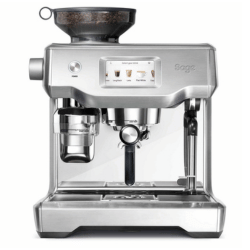
These are some of the Oracle Touch faults we see regularly. Start with the symptom closest to yours.
Is your Oracle Touch showing any of these symptoms?
Click your symptom below for more detail.
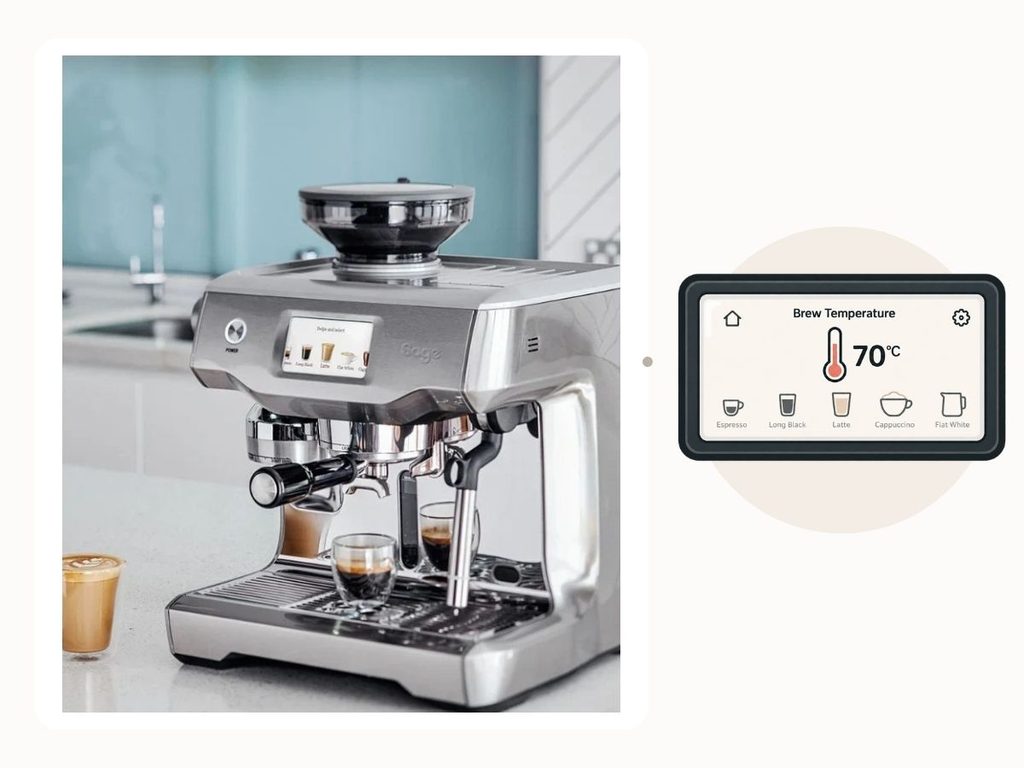
Oracle Touch not heating up or stuck on heating
WHAT YOU MAY NOTICE
Your Oracle Touch switches on but remains on the heating screen for much longer than normal.
It may never become ready to make coffee, or one function such as steam may fail to reach temperature while other parts of the machine still appear to operate. Often the machine will sit around 70c.
SAFE NEXT STEP
Make sure the water tank is full and fitted correctly.
Run a thorough descale, following the instructions shown on the touchscreen carefully from start to finish.
We recommend using the Sage-specific descaler: https://schoolofespresso.com/products/sage-coffee-machine-descaler
Some other descaling formulas can interfere with the Oracle Touch’s water-level probes, which can create further issues rather than resolving the original problem.
If the machine is still stuck heating after a proper descale and restart, it is likely to need further investigation.
HOW WE CAN HELP
The Oracle Touch uses separate heating systems along with several water-level and temperature sensors.
A machine that will not heat correctly can therefore have a fault within the heating system itself, one of the sensors or probes, or the electronics controlling those systems.
We can test the heating circuits and their associated sensors to establish why the machine is not reaching operating temperature.
Steam wand not working or behaving unusually
WHAT YOU MAY NOTICE
The steam wand may produce little or no steam, take much longer than normal to heat milk, or stop part-way through steaming.
In other cases, you may see unusually wet steam, bursts of water, excessive steam or steam escaping from somewhere else inside the machine.
SAFE NEXT STEP
If the issue is simply weak steam, allow the machine to cool and remove the tip from the end of the steam wand.
Use the cleaning tool that came with the machine and the small pin to clear the holes in the tip, then clean the tip thoroughly before re-attaching it.
If steam is obviously escaping from somewhere else inside the machine, do not remove the steam tip or continue trying to use the steam function.
Switch the machine off, unplug it and allow it to cool.
HOW WE CAN HELP
Steam faults on the Oracle Touch can involve the steam wand, internal valves, steam boiler, water-level probes, heating components or the electronics controlling the steam system.
If steam is escaping internally, continued use can allow heat or moisture to affect other parts of the machine, so it is worth addressing the fault before secondary damage develops.
We can test the complete steam system, find where the fault is occurring and repair the underlying cause.
Water or steam leaking into the drip tray or underneath the machine
WHAT YOU MAY NOTICE
You may find more water than usual collecting in the drip tray, water appearing underneath the Oracle Touch, or steam escaping into or around the drip tray.
The problem may occur while the machine is heating, while steaming milk, or even when you are not actively making a drink.
SAFE NEXT STEP
Check that the water tank and drip tray are correctly fitted.
If the leak appears to be coming from inside the machine, becomes significant, is accompanied by steam, or the machine begins behaving abnormally, stop using it and unplug it.
Allow the machine to cool before moving it.
HOW WE CAN HELP
The Oracle Touch contains several pressurised water and steam circuits, so water appearing in the drip tray or underneath the machine does not necessarily tell you where the leak originated.
An internal leak can sometimes affect nearby sensors or electronics if it is allowed to continue.
We can inspect the machine under operating pressure, locate the actual source of the leak and check for any secondary damage before carrying out the repair.
Grinder runs too long, stops early or does not tamp
WHAT YOU MAY NOTICE
During normal operation, the tamp fan runs first and can usually be heard spinning.
The grinder then runs until the filter basket has been filled, followed by the tamp fan running again to tamp the coffee.
If the grinder runs but you cannot hear the tamp fan operating before or after grinding, the tamping system may not be working correctly.
You may also notice inconsistent tamping, loose coffee in the basket, the grinder running for too long or the machine stopping before the normal cycle has finished.
SAFE NEXT STEP
First try using a slightly finer grind size.
If the tamping problem remains, remove the tamp fan using the supplied magnet, or carefully pull it down.
Clean the fan and gently buff the tamping surface if coffee residue has built up.
Check the chrome surface carefully. If it is bubbling, peeling or coming away, the tamp fan may need replacing.
Refit the tamp fan and try the machine again.
HOW WE CAN HELP
The grinder and automatic tamping system rely on several mechanical and electrical parts working together in the correct sequence.
Listening to whether the tamp fan runs before and after grinding gives a useful clue about where the process is failing.
If cleaning the fan, adjusting the grind size or replacing a visibly damaged tamp fan does not resolve the problem, we can test the tamping motor, grinder system, sensors and controls to find the underlying fault.
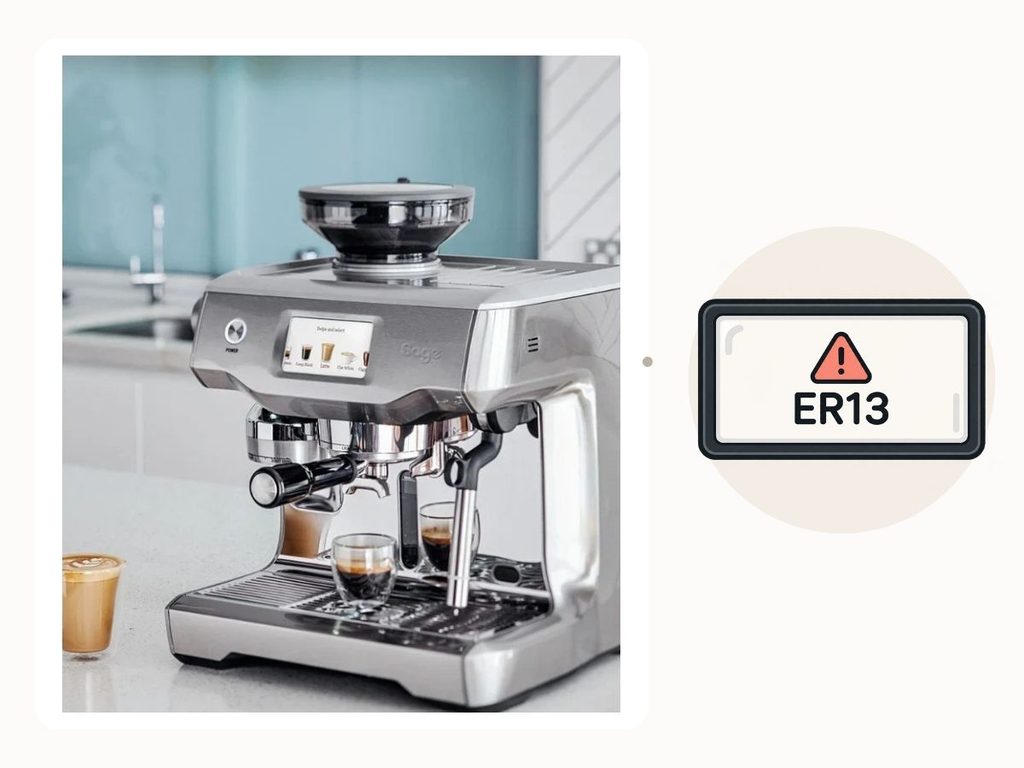
Operation Error or ER code on the screen
WHAT YOU MAY NOTICE
The touchscreen may display Operation Error, System Error or an ER code and prevent the machine from operating normally.
The error may appear during startup, heating, brewing or steaming, depending on what the machine has detected.
SAFE NEXT STEP
Make a note or take a photo of the exact error message or ER number before switching the machine off.
Allow it to cool before restarting it once.
If the error returns, avoid repeatedly resetting the machine or running cleaning and descale cycles unless the machine is specifically asking for them.
HOW WE CAN HELP
An error code tells us which condition the machine believes is outside its expected range, but it does not necessarily mean the sensor associated with that code is itself faulty.
For example, a sensor may be correctly reporting an abnormal temperature or water condition caused by another component.
We can read the symptoms alongside the error, test the relevant systems and find the underlying fault rather than replacing parts simply because of the code.
Ready to get your Oracle Touch working again?
Tell us what is happening and we will help you choose the right repair route.