 Book a Repair
Home Machines Sage Barista Pro / Barista Pro Common Issues
Sage Barista Pro guide
Common problems with the
Sage Barista Pro
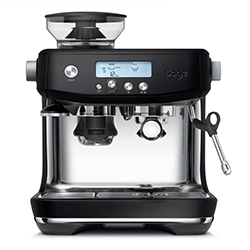
These are some of the Barista Pro faults we see regularly. Start with the symptom closest to yours.
Is your Barista Pro showing any of these symptoms?
Click your symptom below for more detail.
No water through the group head, steam wand or hot-water outlet
WHAT YOU MAY NOTICE
Your Barista Pro may sound like it is trying to pump, but little or no water comes through the group head, steam wand or hot-water outlet.
Sometimes you may get a small amount of water before the flow stops completely.
SAFE NEXT STEP
First rule out a dry or blocked water filter. Make sure the water tank is full and seated correctly, then remove the water filter and try the machine once without it.
If there is still little or no water from any of the outlets, avoid repeatedly running the pump or carrying out multiple descale cycles in an attempt to force water through.
HOW WE CAN HELP
When all of the outlets are affected, it usually points towards a problem somewhere within the machine’s internal water system.
This can be caused by a blockage, a pump-related issue or a fault with one of the internal valves or components responsible for controlling water flow.
We can test the water path through the machine, identify where the flow is being interrupted and carry out the correct repair.
Here is a video example of a Barista Pro with little or no water coming through the machine
Barista Pro grinder not working properly
WHAT YOU MAY NOTICE
The grinder may stop working completely, make an unusually loud or unpleasant noise, or appear to run without dispensing the correct amount of ground coffee.
You may get no coffee, too little or too much, or find that the grinder suddenly will not grind fine enough even when the grind setting is adjusted.
SAFE NEXT STEP
Turn the machine off and unplug it before checking the grinder.
Remove the hopper and check for any obvious beans, compacted coffee or foreign objects preventing the burrs from turning or feeding correctly. Clean only the removable grinder parts in the way recommended by Sage, then make sure the hopper and upper burr are fitted back into position correctly.
Do not force the burrs to turn, dismantle the grinder motor or put water into the grinder.
HOW WE CAN HELP
Grinder problems can sometimes be caused by a simple blockage or jam, but they can also be related to worn burrs, the grinder drive system or another internal mechanical or electrical fault.
We can inspect and test the complete grinder assembly, find out why it is not grinding correctly and repair the underlying issue rather than simply adjusting the settings around the problem.
Here is a video example of a Barista Pro grinder fault
Machine stops after a few seconds and gives 3 beeps
WHAT YOU MAY NOTICE
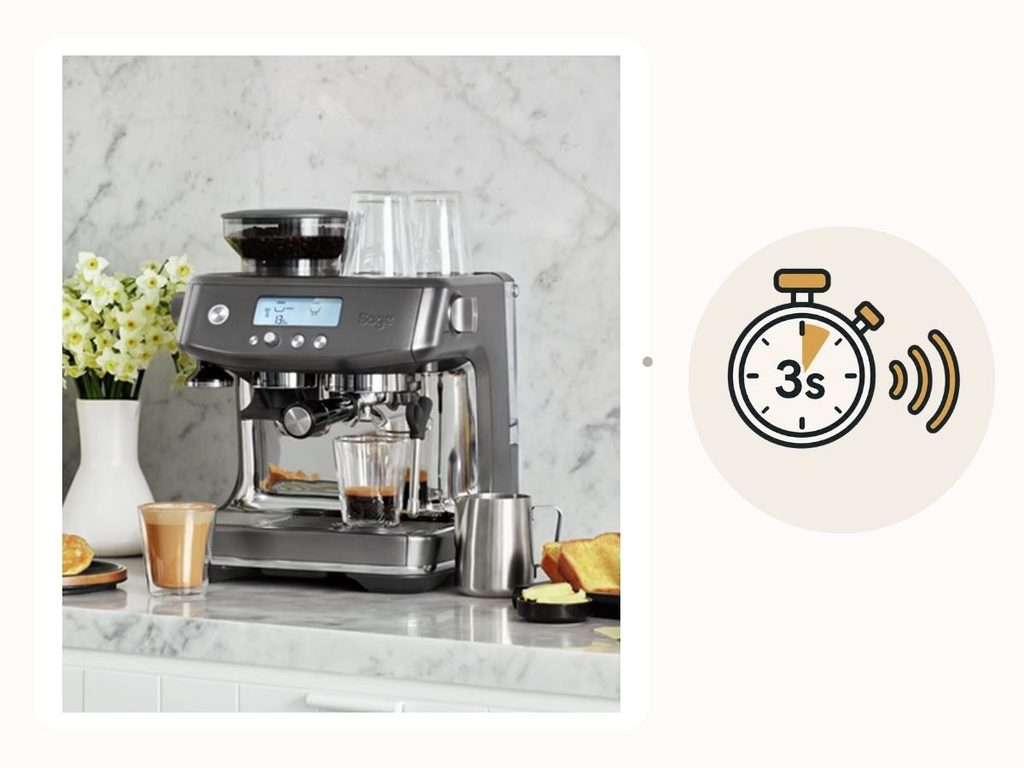
Your Barista Pro may start a function normally and then stop after around three to five seconds, accompanied by three beeps.
This can happen when using the group head, hot-water outlet or steam wand, and may affect one or several functions.
SAFE NEXT STEP
One possible cause is an airlock in the water system.
Remove the water filter, make sure the water tank is full and correctly seated, then run the hot-water outlet several times. This can sometimes help move trapped air through the machine and restore normal water flow.
If the machine continues to stop after a few seconds and give three beeps, avoid repeatedly trying the same function.
HOW WE CAN HELP
If clearing a possible airlock does not solve the problem, the machine may be detecting that water is not moving through the system as expected.
This can be caused by a blockage, a flow-related component, an internal valve or another fault affecting the machine’s ability to move or monitor water correctly.
We can test the water system and reproduce the fault to find out why the machine is stopping before completing the selected function.
My Barista Pro is showing “ERR”
WHAT YOU MAY NOTICE
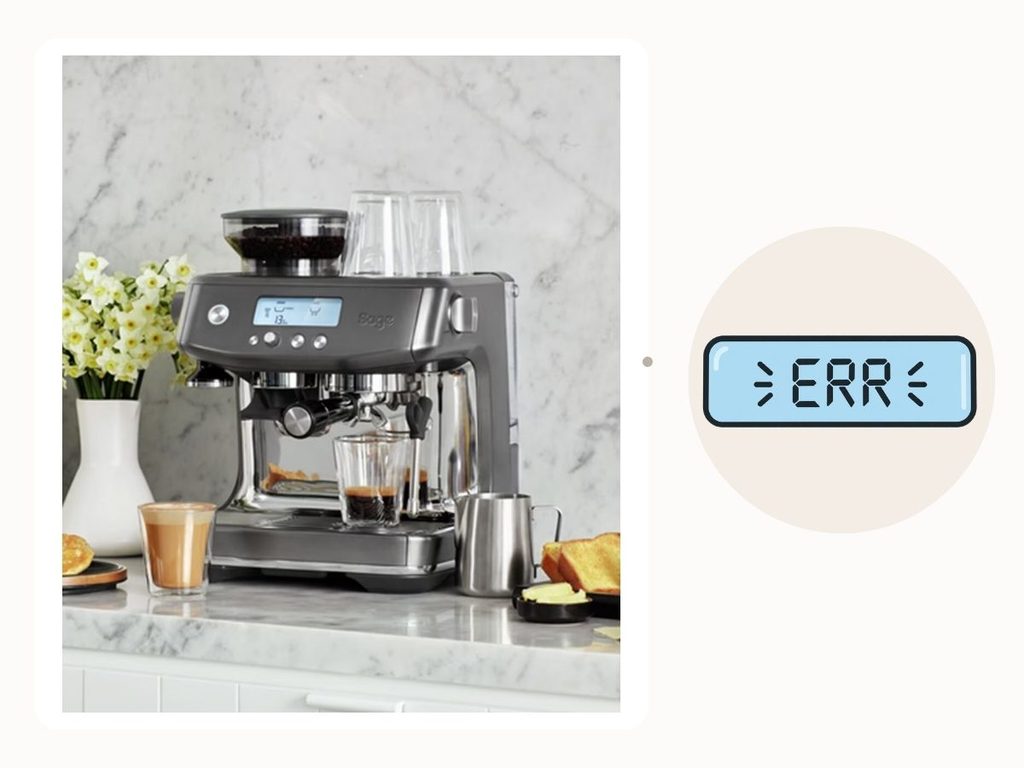
The display may show ERR, either when the machine is switched on or while you are trying to use one of its functions.
The error may be intermittent at first or remain on the screen and prevent the machine from operating normally.
SAFE NEXT STEP
If the ERR message is persistent, there is not a safe at-home repair we would recommend.
Stop using the machine and arrange for it to be inspected by a trained technician. Some errors can relate to temperature monitoring, so continuing to use a machine with an unresolved sensor fault is not advisable.
HOW WE CAN HELP
An ERR message usually means the machine has detected a sensor reading or operating condition outside its expected range.
The sensor itself may be faulty, but the reading can also be correct and caused by another underlying issue. For example, a temperature sensor may be reporting that the machine is getting hotter than it should because of a separate heating, electrical or water-flow fault.
We can test the relevant sensors and components and find the underlying cause of the error rather than replacing parts based on the message alone.
Ready to get your Barista Pro working again?
Tell us what is happening and we will help you choose the right repair route.